
Denver PWP-62 water-transfer photo paper for transferring images, compatible with the Denver MCP-6010 printer
Specifications
| Manufacturer | DENVER |
| Product code | 122190000060 |
| Barcode | 5706751092466 |
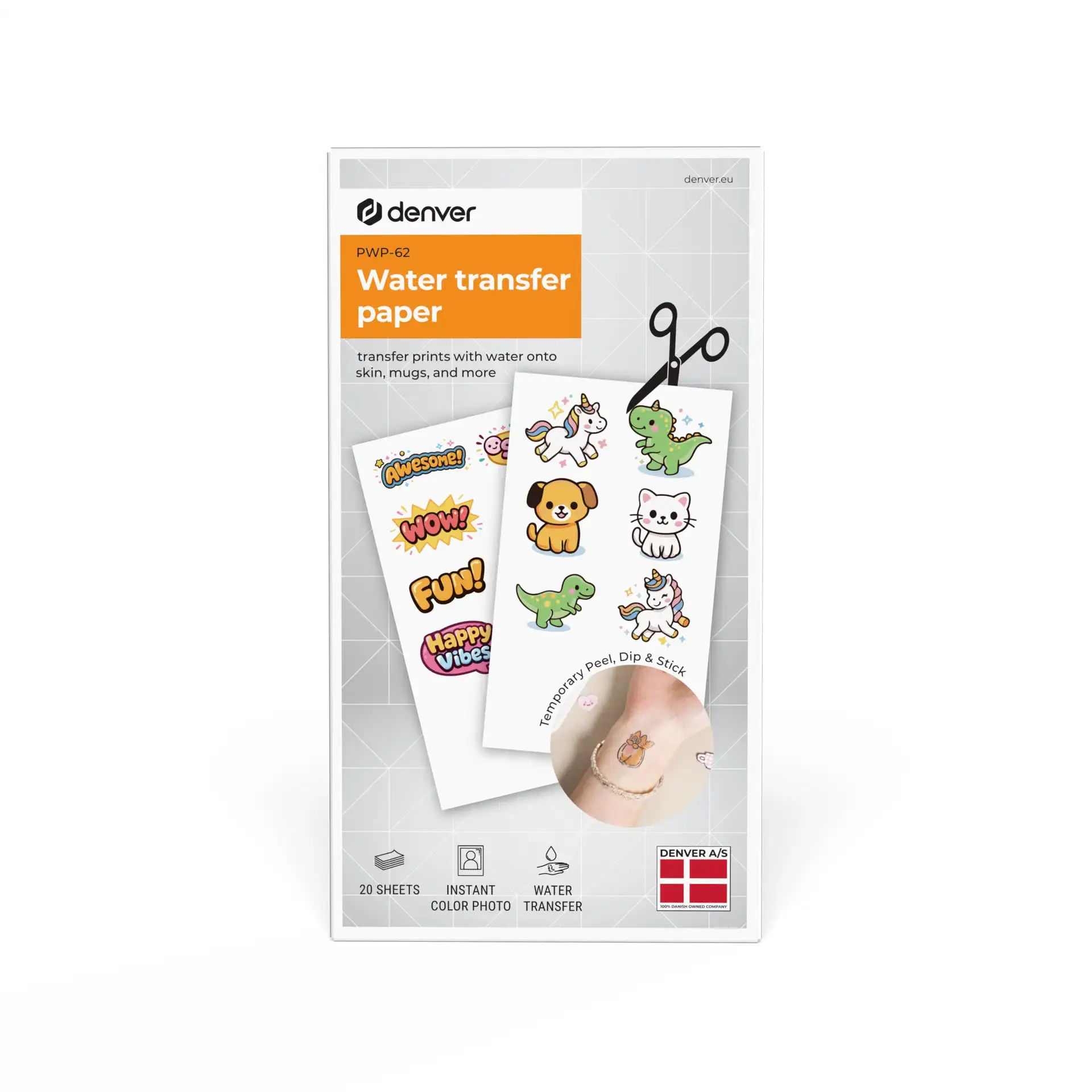
Description
Denver PWP-62 – Water Transfer Paper for MCP-6010 Printer
Key Benefits
-
Gel sheet included for every image: No need to purchase additional transfer supplies. Everything required for the transfer process is included in the package.
-
20 sheets per pack: Enough for multiple designs and experimenting with different images.
-
Water-based transfer: No heating or special equipment required – just water and the included gel sheet.
-
Compatible with Denver MCP-6010: Specifically designed for this printer, eliminating the need to search for suitable transfer paper.
-
Compact packaging: Measuring 8.9 × 5.2 cm and weighing just 0.02 kg, it is easy to store next to your printer.
Technical Specifications and Innovations
|
Parameter |
Specification |
|---|---|
|
Brand / Model |
Denver PWP-62 |
|
Product Type |
Water Transfer Paper for Images |
|
Compatible Printer |
Denver MCP-6010 |
|
Number of Sheets |
20 |
|
Gel Sheet |
One for each image |
|
Package Dimensions (H × W) |
8.9 × 5.2 cm |
|
Weight |
0.02 kg |
|
Sales Unit |
1 pack |
|
EAN |
5706751092466 |
|
Product Code |
122190000060 |
The Technology Behind It: The printed design is covered with a gel sheet. Once the paper is moistened with water, the image separates from its backing and can be transferred. The included gel sheets make the process ready to use straight out of the package, without the need for additional consumables.
Product Description
If you want to turn a photo or drawing from your smartphone into a water-transferable print, the Denver PWP-62 is designed for exactly that purpose.
This special transfer paper is compatible with the Denver MCP-6010 mobile printer and is sold separately as an additional consumable. The printer itself is not included.
Each package contains 20 sheets of water transfer paper, with a gel sheet provided for every image. The design is first printed in mirror mode, covered with the gel sheet, cut out and then moistened with water for approximately 15–20 seconds.
After removing the outer white backing layer, the image is transferred. According to retailers and the user manual, the design can be applied to the skin to create a temporary tattoo effect.
This makes it easy to experiment with different designs for parties, gifts or creative projects.
The package is compact, measuring 8.9 × 5.2 cm and weighing only 0.02 kg, making it convenient to store and carry.
The manufacturer does not specify how long the transferred image lasts, so no claims are made regarding its durability.
The Denver PWP-62 is an ideal accessory for Denver MCP-6010 users who want to expand their printer's capabilities and explore creative water transfer printing.
How to Use
-
Select your image: Choose the desired image in the app and enable mirror printing.
-
Print the design: Print the selected image onto the transfer paper included in the package.
-
Apply the gel sheet: Completely cover the printed design with the gel sheet, press the two sheets together firmly and cut out the design.
-
Moisten the backing paper: Thoroughly wet the back of the paper with water and leave it for approximately 15–20 seconds.
-
Complete the transfer: Carefully slide off and remove the outer white backing layer, gently dry any excess water and allow the transferred image to dry. Avoid excessive contact with water during the first hour.
What's in the Box
-
20 × Water Transfer Paper Sheets
-
1 × Gel Sheet for Each Image